Drill-Down
Dashboard provides the Drill-Down feature, which allows you to change the detail level of data displayed in a dashboard item. Drill-Down enables users to drill down to display detail data, or drill up to view more general information.
Enable Drill-Down
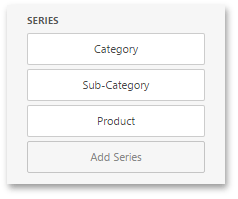
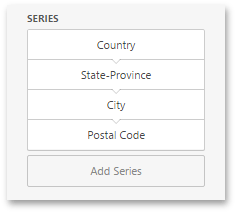
Drill-down requires that the data section contains several dimensions...
... or a hierarchy data item (in OLAP mode).
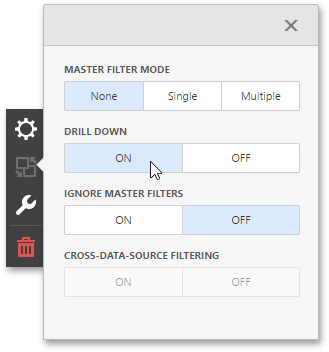
To be able to change the detail level of data, go to the dashboard item's Interactivity menu and enable the Drill Down option.