Selection
To select a map item, do one of the following:
- Tap a map item on a touchscreen device;
- Hover over a map item with the mouse pointer and click it.
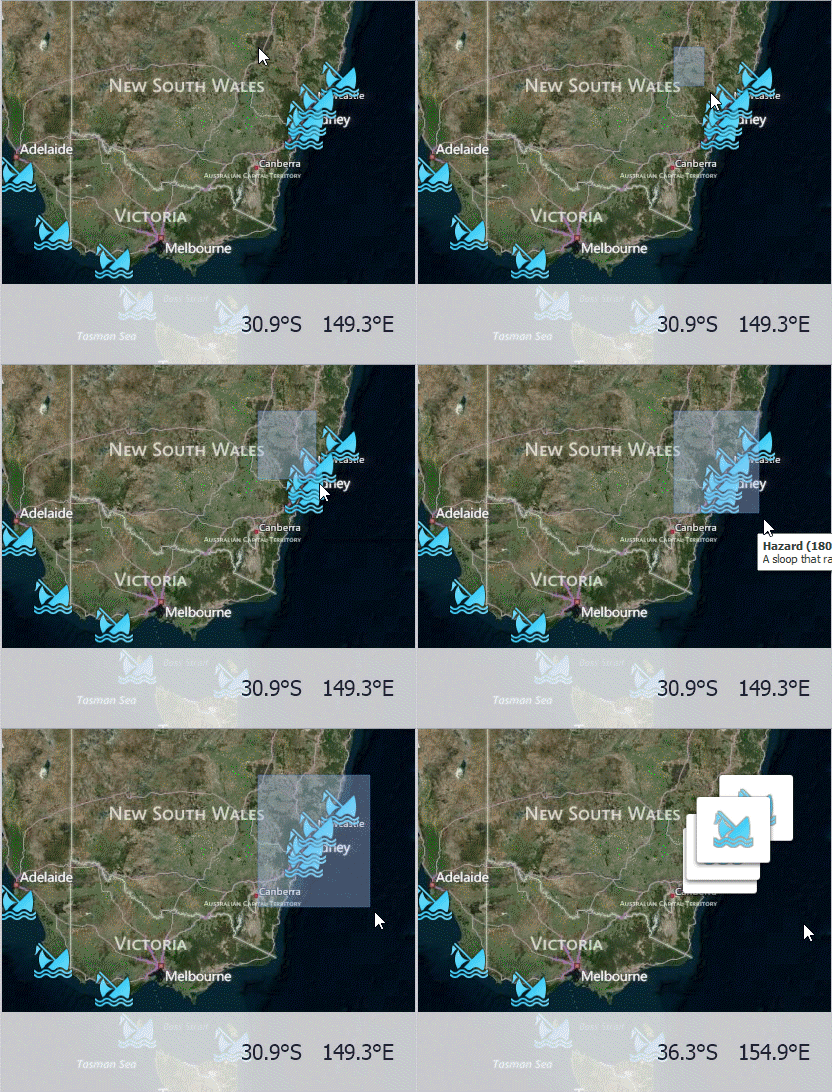
To select multiple map items, do the following:
- Hold the Shift key and the left mouse button;
- Drag the mouse pointer, to mark an area that includes the desired map items;
- Release the left mouse button. All map items within the area will be selected.