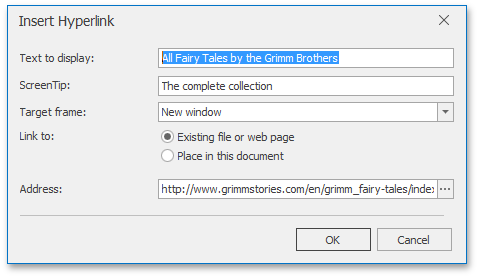
Insert a Hyperlink
The Hyperlink marks the document range as a hot spot in the document. It can be activated by clicking or pressing ENTER, to navigate the specified external URL, file or bookmark within the same document.
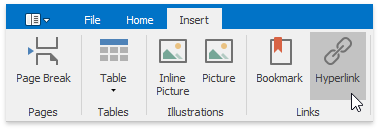
To create a new hyperlink, select a range to mark and on the Insert tab, in the Links group, click the Hyperlink button...
...or select the Hyperlink... item from the context menu ...
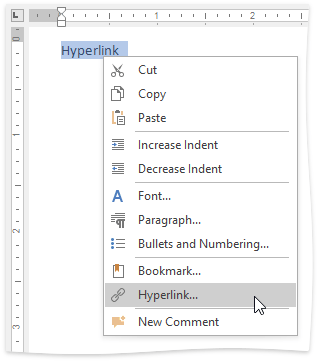
... or use the CTRL+K keyboard shortcut.
The Edit hyperlink dialog will appear.