Use Calculated Fields
This document describes how to use calculated fields to evaluate custom expressions based on external data, and embed the results into a Snap document.
Use calculated fields to perform additional calculations on dynamic data and embed the results into a published document.
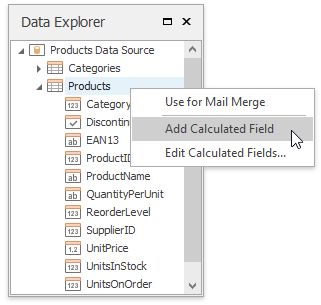
To create a calculated field and access its collection, invoke the context menu in the Data Explorer.
A calculated field's expression can include conditional, date-time, mathematical and other formulas. It can also evaluate the values of other calculated fields, data source fields and parameters.
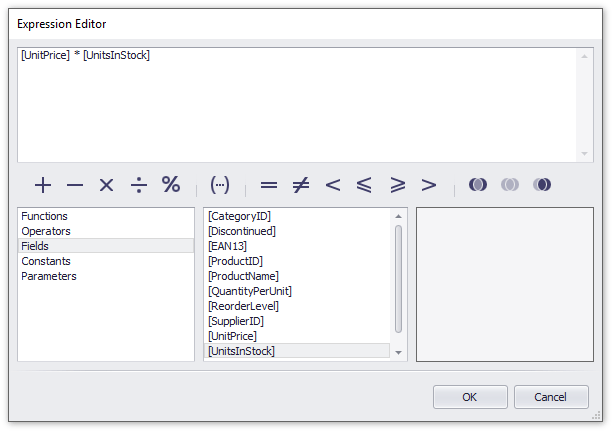
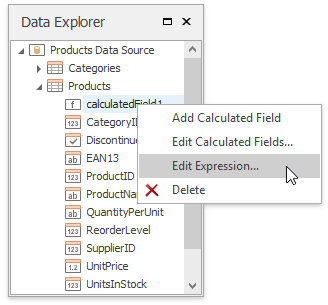
The Expression Editor is invoked by right-clicking a calculated field and choosing the Edit Expression… item in the invoked popup menu.
After a calculated field is inserted into a document, its value is evaluated each time the document is set to be published.