Save a Report
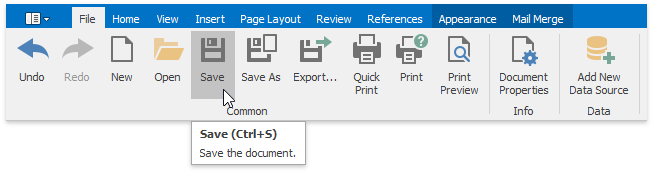
To save a report to a file, click the Save button on the File tab of the Snap application's ribbon toolbar.
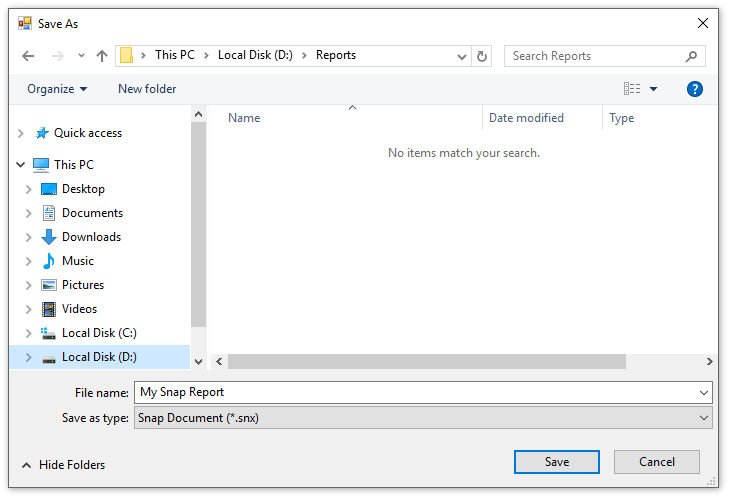
If you are saving a new report, the Save As dialog will be invoked. In the invoked dialog, specify the name and directory for the new report file and click Save.
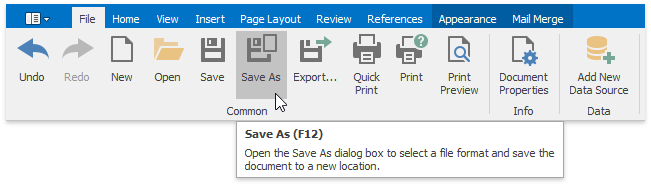
To save a changed copy of an existing report to a separate file, click the Save As button in the File tab of the ribbon toolbar.