Column Chooser Page
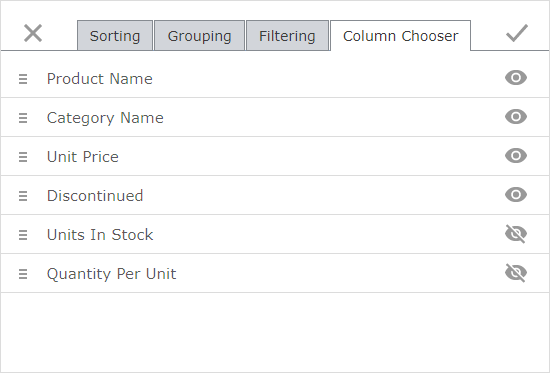
You can use the Column Chooser page to change data columns' order and visibility.
Click  to hide the corresponding column in a grid.
Click the  to show the corresponding column in a grid.
Use  to drag columns and change their order in a grid.
You can modify dialog settings and click Apply  or click Close
  to discard all the changes.