Modify an Image's Settings
To modify an image's settings within the editor's content, do one of the following.
- Double-click the image.
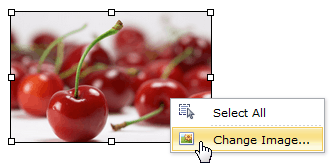
Right-click on the image and select Change Image within the invoked context menu.
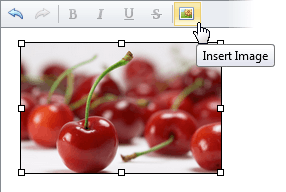
Select the image and click the Insert Image button.
The opened Change Image dialog allows you to modify the image's settings. More detailed information about modifying image settings is available in the Insert an Image in HTML Editor section.