Add, Change or Delete a Text Box Fill
You can fill the floating text box with a specified color or delete the filling
Specify a Text Box Fill
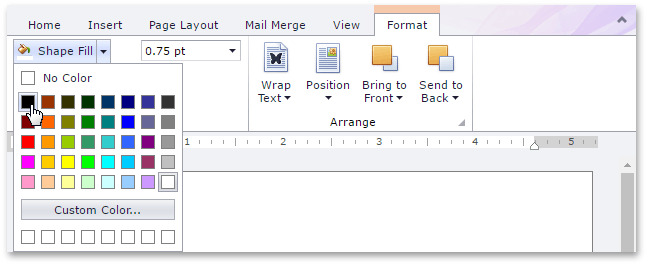
- Select a text box whose background you wish to color.
On the Format tab, in the Shape Styles group, click the Shape Fill button and select the required color.
Delete a Text Box Fill
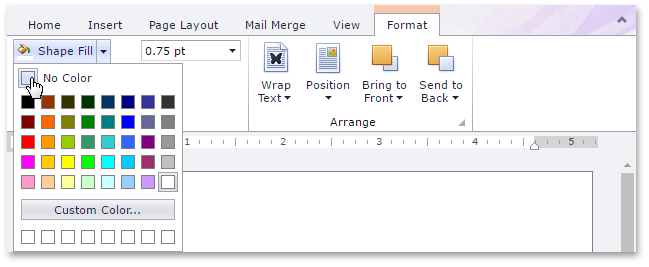
- Select a text box whose fill you wish to remove.
On the Format tab, in the Shape Styles group, click Shape Fill button and select No Color.