Sort Data
The Spreadsheet provides the capability to sort data by text (A to Z or Z to A), numbers (smallest to largest or largest to smallest), dates and times (oldest to newest or newest to oldest) in one column.
To perform sorting, do the following.
Select a range in the column you wish to sort.
Note
If multiple columns are selected, the range will be sorted by the first column.
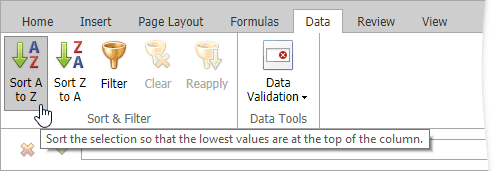
On the Data tab, in the Common group, click Sort A to Z to select ascending order, or click Sort Z to A for descending order.